
Let’s be honest: Adobe’s pricing hurts my soul.
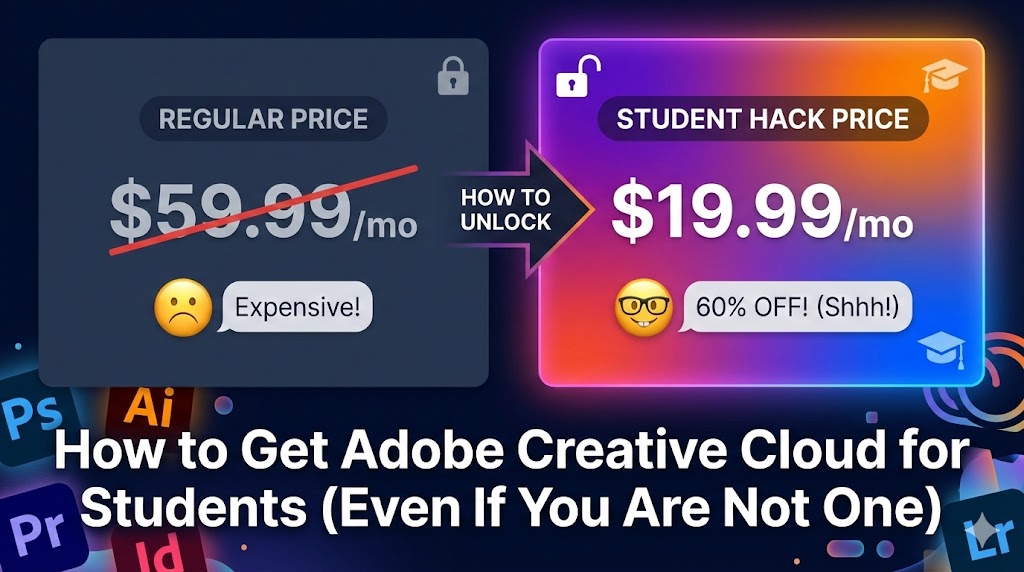
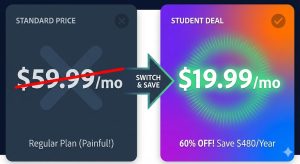
The standard “All Apps” plan costs a whopping $59.99 per month. That is over $700 a year just to use Photoshop and Premiere Pro. Unless you are a corporate agency billing thousands of dollars, that price tag is painful.
But here is the thing: The Student & Teacher Plan is only $19.99 per month. That is a 60% discount.
I am not a full-time student anymore (I graduated ages ago), but I have managed to secure this discount legally for the last three years. Here is how you can do it too, without needing to photoshop a fake ID (don’t do that, they verify!).
Method 1: The “Part-Time Learner” Loophole
Adobe defines a “student” quite broadly. You don’t need to be a 19-year-old at Harvard. You just need to be enrolled in an accredited institution.
Here is a hack many freelancers use:
- Enroll in a local community college: Find a cheap, online-only course. Maybe a “Introduction to Photography” or a random history class.
- Get the .EDU email: Once you register (even for a $50 class), most colleges issue you a
.eduemail address immediately. - Sign up for Adobe: Use that email to register. Adobe’s automated system usually verifies
.eduaddresses instantly without asking for a transcript.
The Math: If a class costs $100, but you save $480 on Adobe for the year… you are still winning. Plus, you actually learn something!
Method 2: The “Household” Strategy
Do you have a younger sibling, a cousin, or a child who is in school?
Adobe allows you to install the software on two computers (e.g., a desktop and a laptop).
- If your little brother is in high school, he qualifies.
- Ask him to sign up using his school credentials.
- You pay the bill.
Is this technically against the Terms of Service if you are the one using it commercially? Technically, yes. But for a freelancer working from home, this is how many families manage their software costs. Just don’t try to run a 50-person agency on one student account.
Method 3: The “Cancel Threat” Trick (My Favorite) 🤫
Okay, let’s say you can’t be a student. Here is the single best way to get a discount on your existing full-price plan.
I do this once a year, and it works 90% of the time.
- Log in to your Adobe account.
- Go to Manage Plan -> Cancel Plan.
- Click through the warning screens. They will ask why you are leaving. Select “Price is too high.”
- The Magic Moment: Before the final confirmation, Adobe’s algorithm will usually panic and offer you a deal to stay.
- “Stay now and get the next 2 months free.”
- “Get the next year for $29.99/month.”
I literally did this last month and slashed my bill in half. It takes 5 minutes.
Method 4: The Black Friday Window
If you are reading this in November, you are in luck.
During Black Friday and Cyber Monday, Adobe often opens up the “Student Pricing” (or something very close to it) to everyone for the first year. Set a calendar reminder. If you buy a prepaid annual code on Amazon during this week, you can stack it onto your account.
Is It Worth The Hassle?
Absolutely. Saving $40 a month is $480 a year. That’s a new camera lens. That’s a weekend trip.
My Advice: Try Method 3 (The Cancel Trick) first because it’s free and instant. If that fails, look into your local community college options. Just don’t pay full price unless you absolutely have to!
Have you managed to get a discount on Creative Cloud? Let me know which method worked for you!
“Note: Always check Adobe’s current Terms of Service. Eligibility requirements may change.”